





- Processor
- Apple A18 Pro
- Memory
- 8 GB
- Storage
- 256 GB
- Screen
- 13"
Laptop Comparison Tool
Pick up to five laptops to compare. Every model lists the configurations we track, so you can see what changes between versions.
Popular:
- 187 laptops, 12 brands
- Specs from maker pages and listings
- No paid placements
A laptop comparison tool built around configurations
Many laptops are sold in several versions under one name, and the version you pick decides most of what you get. LaptopRadar gives each model one page with the configurations we track, and you can put up to five models on the same spec sheet before you buy.
-
Compare laptops side by side
Pick two to five models in the search above. Processor, graphics, memory, display, battery, weight and ports line up row by row, and the stronger value in each row is marked so the differences are easy to spot.
-
A laptop finder that filters configurations
The Laptop Finder checks every configuration of every model, so a filter like "16 GB memory" or "under 3.5 lb" still finds a model when only one version of it qualifies.
-
Published specs, kept consistent
We collected and analyzed the published specs for each configuration, from the maker where it publishes them and otherwise from the store listing, and put them in one format. If nobody publishes a figure, we leave the row empty instead of guessing.
-
Laptops sold in the US
We list laptops sold in the US. Where the maker publishes a part number for a configuration, we show it, so you can match it to the listing you order from.
Find the right type of laptop
Best Laptops for Students 37 models Best Laptops for Creators 9 models Best Gaming Laptops 35 models Best Business Laptops 17 models Best Laptops for College Students 10 models Best Cheap Laptops for College Students 22 models Best Laptops for High School 34 models Best Laptops for Engineering Students 16 models Best Laptops for Nursing Students 7 models Best Laptops for Video Editing 34 models Best Laptops for Photo Editing 70 models Best Laptops for Music Production 97 models
Most popular laptops
Popular models, refreshed as our catalog updates.
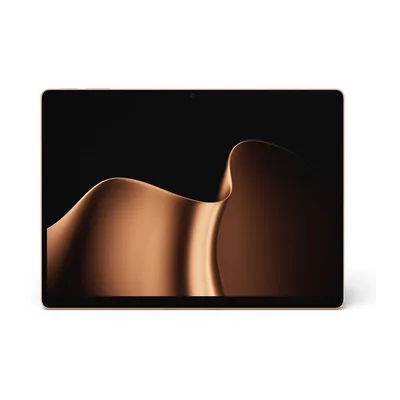
- Processor
- Snapdragon X2 Plus
- Memory
- 16 GB
- Storage
- 256 GB
- Screen
- 13"
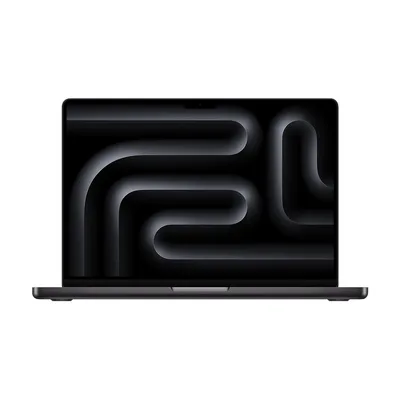
- Processor
- Apple M5
- Memory
- 16 GB
- Storage
- 1 TB
- Screen
- 14.2"
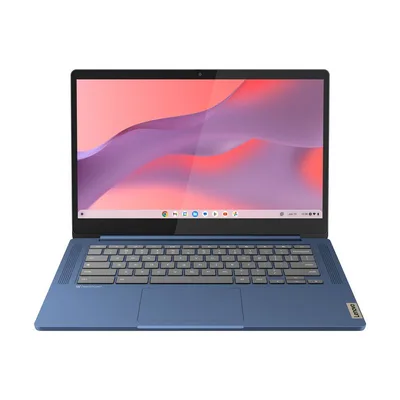
- Processor
- MediaTek Kompanio 520
- Memory
- 4 GB
- Storage
- 64 GB
- Screen
- 14"
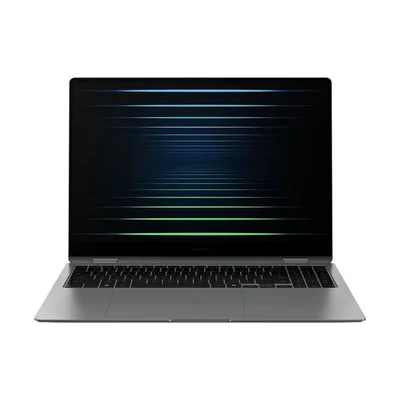
- Processor
- Intel Core Ultra 7 258V
- Memory
- 32 GB
- Storage
- 1 TB
- Screen
- 16"
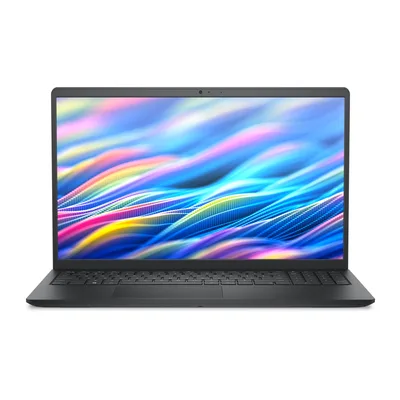
- Processor
- Intel Core 3 100U
- Memory
- 8 GB
- Storage
- 512 GB
- Screen
- 15.6"
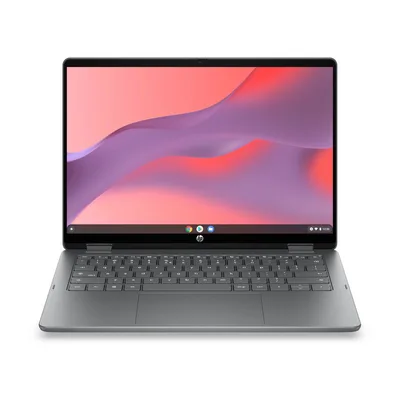
- Processor
- Intel N150
- Memory
- 4 GB
- Storage
- 128 GB
- Screen
- 14"
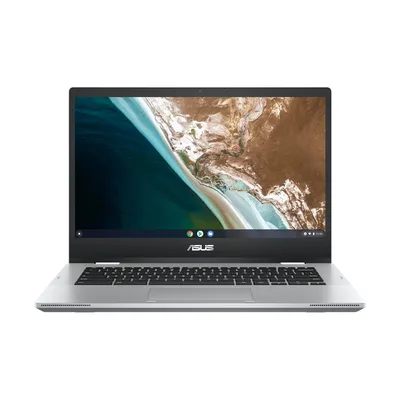
- Processor
- Intel Celeron N4500
- Memory
- 8 GB
- Storage
- 128 GB
- Screen
- 14"
Popular comparisons
Spec-by-spec breakdowns of models shoppers weigh against each other.
Apple Apple MacBook Air 13 (M5) vs Apple Apple MacBook Pro 14 (M6) Apple Apple MacBook Neo vs Apple Apple MacBook Air 13 (M5) Apple Apple MacBook Air 13 (M5) vs Apple Apple MacBook Air 15 (M5) Apple Apple MacBook Neo vs Apple Apple MacBook Pro 14 (M6) Apple Apple MacBook Pro 14 (M5 Pro or M5 Max) vs Apple Apple MacBook Pro 16 (M5 Pro or M5 Max) Apple Apple MacBook Air 15 (M5) vs Apple Apple MacBook Pro 14 (M6)
How to choose a laptop
Ten decisions, in the order we would make them.
1 / 10
Shop laptops by brand
Latest laptops
The most recently released models we cover.
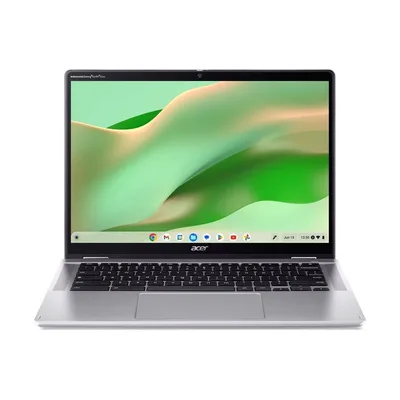
- Processor
- Intel Core i3-N305
- Memory
- 8 GB
- Storage
- 128 GB
- Screen
- 14"
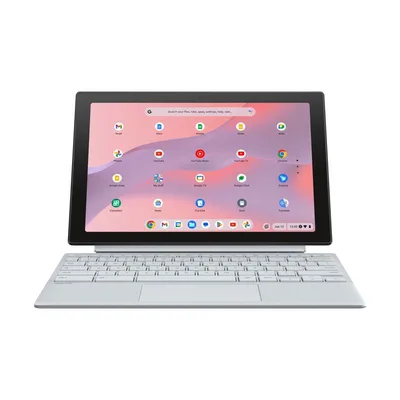
- Processor
- MediaTek Kompanio 520
- Memory
- 8 GB
- Storage
- 128 GB
- Screen
- 10.5"
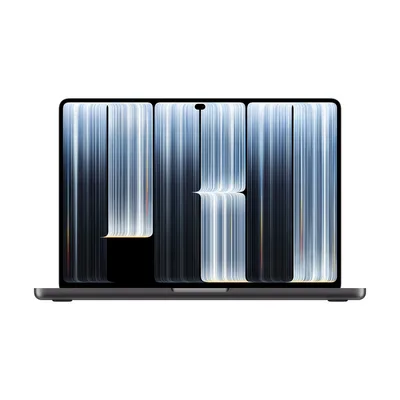
- Processor
- Apple M5 Pro
- Memory
- 24 GB
- Storage
- 1 TB
- Screen
- 14.2"
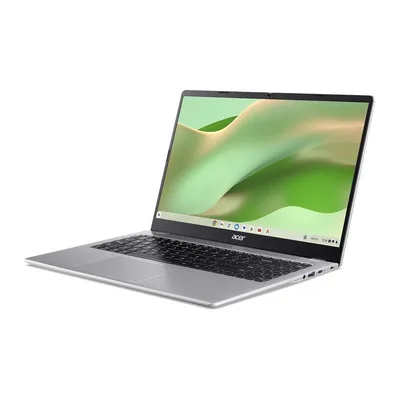
- Processor
- Intel Celeron N50
- Memory
- 8 GB
- Storage
- 128 GB
- Screen
- 15.6"
How we compare: specs you can check, not scores you can't
Sourced field by field
Each value comes from the maker's spec page where one exists, otherwise from the store listing of that exact configuration, and we keep a note of the source.
Same yardstick for all
Every model uses the same spec sheet, so a budget Chromebook and a gaming laptop read row for row.
Independent
We earn from Amazon purchases, never from brands. Read the disclosure.
Frequently asked questions
How do I compare two laptops?
Type the first model into the search box at the top of this page and pick it, then add a second, or up to five. The comparison lines up every spec row by row and marks the stronger value, so you can see straight away where they differ.
Why does one laptop page list several configurations?
Makers sell most models in several versions with a different processor, memory, storage or display. LaptopRadar gives each model one page and lists every configuration we cover on it, with the maker part number where one is published, so you know exactly which version you're looking at.
Where do the specs come from?
From the makers' own product pages and spec sheets where they publish them, and otherwise from the store listing for that exact configuration. We collected and analyzed those specs and put them in one consistent format. If no source publishes a figure, we leave it blank.
What's the difference between the comparison tool and the Laptop Finder?
Use the comparison tool when you already have a few models in mind. The Laptop Finder is for when you don't: filter by price range, size, memory, weight, ports and more, then send the best matches to the comparison.
Are the price ranges exact?
No. The ranges are approximate and only group laptops by budget. Prices change often, so check the price with the seller before you buy.
Does LaptopRadar sell laptops?
No, we don't sell anything. Some links go to stores, and if you buy through them we may earn a commission at no extra cost to you.